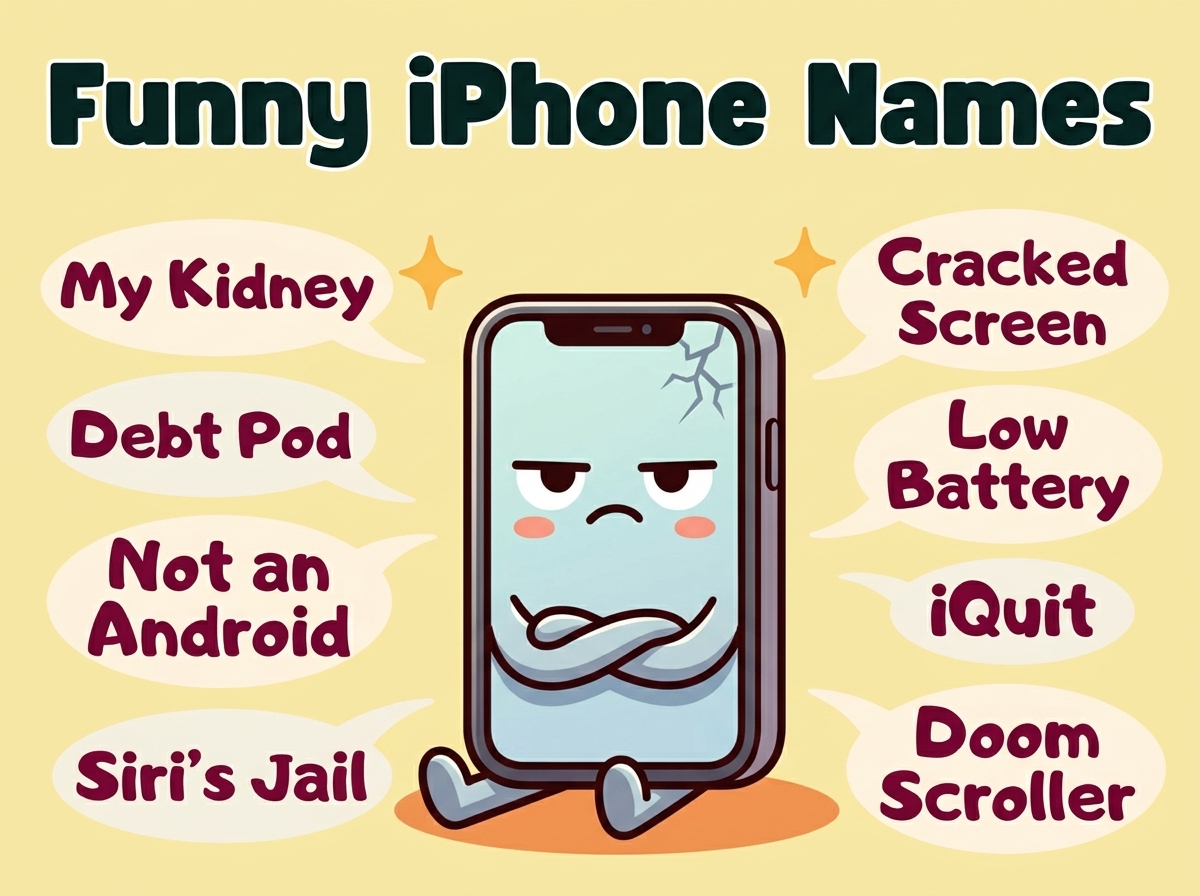
Your iPhone shows up on Bluetooth menus, AirDrop lists, and hotspot connections dozens of times a week. The default “John’s iPhone” is doing absolutely nothing for you. A funny iPhone name, on the other hand, turns every single wireless interaction into a small moment of comedy for anyone scrolling past.
This collection covers everything from clever Bluetooth names that confuse strangers to hotspot names that make your friends question your sanity. Whether you want something witty, weird, or mildly chaotic, you’re about to find the perfect name for your overpriced pocket rectangle.
Funny iPhone Names of All Time
These are the classics. The names that have made strangers laugh in coffee shops, confused IT departments, and turned boring AirDrop requests into genuine entertainment. If you want a funny iPhone name that works in any situation, start here. These are crowd-tested, screenshot-worthy, and guaranteed to get reactions.
- FBI Surveillance Van 4
- Not Your iPhone
- Definitely Not a Bomb
- Abraham Linksys
- The Promised LAN
- Bill Wi the Science Fi
- Pretty Fly for a Wi-Fi
- Drop It Like It’s Hotspot
- iPhone 47 Pro Max Ultra
- Loading…
- Yell “Password” For Password
- Mom’s Favorite Child’s Phone
- This LAN Is My LAN
- Tell My Wi-Fi Love Her
- Witness Protection Phone
- A Phone Has No Name
- iPhone from the Future
- Nacho iPhone
- iPhone 4 (on an iPhone 15)
- The Device Formerly Known as Phone
Hilarious Apple Phone Names for Bluetooth
When your phone pops up on someone’s Bluetooth list, that’s free real estate for comedy. These names work best in crowded spaces where strangers are just trying to connect their headphones and instead find themselves reading your iPhone’s ridiculous identity. Coffee shops, airports, and waiting rooms become your comedy stage.

- Martin Router King
- Silence of the LANs
- LAN of Milk and Honey
- Lord of the Pings
- Untrusted Network
- iPhone (Cracked Screen Edition)
- Phone McPhoneface
- Your Bluetooth, My Rules
- CIA Listening Post
- Searching…
- Definitely A Real iPhone
- Samsung Galaxy S47 (on an iPhone)
- Still Paying This Off
- My Other Phone Is Also an iPhone
- Stranger’s Phone Do Not Trust
- iPhone SE Poor Edition
- Bluetooth Tooth Blue
- The Cloud Is Just Someone Else’s Phone
- Apple’s Cash Cow
- Error 404: Phone Not Found
Also Read: Funny WiFi Names That Will Make Your Neighbors Question Everything
Witty iPhone Hotspot Names
Your mobile hotspot name broadcasts to everyone within signal range. That’s a captive audience. These names turn the mundane act of sharing your data into performance art. Perfect for road trips, study sessions, or anywhere you want to establish yourself as the funniest person with a data plan.
- Get Your Own Data
- Will Trade Password for Snacks
- The Password Is Password
- Hotspot of Shame
- Freeloaders Welcome
- Mom Click Here for Internet
- Connecting Kills Your Battery
- Pay Per Byte
- Definitely Free Definitely Safe
- LAN Before Time
- This Costs Me Money
- Emergency Memes Only
- Data Plan Crying Right Now
- The Promised Bandwidth
- Carrier Pigeon Was Faster
- 5G Conspiracy Test Zone
- One Bar of Hope
- Throttled Dreams
- Your Data or Your Life
- Buffering Forever
Silly iOS Device Names for AirDrop
AirDrop names show up when you’re trying to send photos, files, or extremely important memes to nearby Apple devices. A silly name here means every photo share starts with a laugh. These work especially well when you’re in a group of friends and nobody knows whose phone belongs to whom.
- Accept at Your Own Risk
- Photos May Contain Chaos
- Not a Virus I Promise
- AirDrop of Doom
- Mystery Content Inside
- Click Yes and Find Out
- Professional Meme Sender
- Certified Photo Distributor
- Accept for Good Luck
- Reject and Nothing Happens (Probably)
- Your Mom’s Favorite AirDrop
- Chaotic Neutral iPhone
- Will Send Cat Pictures
- No Take-Backs Allowed
- This Better Be Important
- AirDrop Enthusiast
- Professional Oversharer
- Photos Taken in Poor Lighting
- Accept to Subscribe to My Newsletter
- Random File Generator
Also Read: Funny AirPod Names That Make Bluetooth Pairing Actually Fun
Humorous iPhone Names for Work
Using your personal phone for work means it shows up in professional settings. These names thread the needle between funny and appropriate, so you can get a chuckle from coworkers without getting called into HR. Perfect for conference calls, screen shares, and those moments when your phone connects to the meeting room display.
- Sales Target Avoidance Device
- Reply All Survivor
- Meeting Could’ve Been Email
- Professional Procrastinator Pro
- Out of Office Energy
- LinkedIn Enthusiast
- Coffee Break Coordinator
- Spreadsheet Escape Pod
- My Boss Can’t See This
- Corporate Synergy Generator
- Overtime Tracker (Unofficial)
- Monday Detector
- Email Anxiety Central
- Slack Notification Prison
- Deadline Negotiator
- Work From Home Proof
- PTO Calculator
- Resume Update Reminder
- The Hustle™
- Billable Hours Only
Punny iPhone Names That Sound Like Real Names
These names work like those joke names from school attendance lists. They sound almost normal until you say them out loud or read them twice. Perfect for the subtle comedy fan who wants their phone name to be a slow-burn joke that not everyone catches immediately.
- Phil MaiPhone
- Anita Newphone
- Justin Case
- Paige Turner
- Barry D’Hatchet
- Carrie Oakey
- Chris P. Bacon’s Phone
- Al Beback
- Barb Dwyer
- Hugh Jass’s iPhone
- Eileen Dover
- Robin Banks
- Stan Dup
- Art Vandelay
- Ivana Tinkle
- Seymour Butz
- Amanda Hugginkiss
- Mike Rotch
- Al Coholic
- I.P. Freely
Also Read: Funny Names Like Ben Dover That Never Stop Being Hilarious
iPhone Names for Confusing Strangers
Sometimes the goal isn’t to make people laugh but to make them deeply confused about what they just saw on their device list. These names create small moments of chaos in public spaces. They’re perfect for airports, malls, and anywhere you want strangers to do a double-take.
- Don’t Connect
- Virus Installed Successfully
- iPhone 27 Beta Test Unit
- Government Property
- Not What It Looks Like
- Free Candy Van iPhone Edition
- Under Surveillance
- This Network Is Haunted
- Time Traveler’s Phone
- Schrödinger’s iPhone
- Phone Belongs to No One
- 404 Owner Not Found
- Do Not AirDrop
- The Matrix Has You
- Phone in Witness Protection
- Quantum Entangled Device
- Simulation Error #7
- Property of Area 51
- Your Future Self
- Past Due Device
Pop Culture and Meme iPhone Names
If you want your iPhone name to be immediately recognizable and genuinely funny to the right audience, these references do the job. They work best when you’re around people who share your cultural touchstones, whether that’s classic movies, viral memes, or internet deep cuts.
- No, This Is Patrick
- Ligma Diagnostics
- [DJ Khaled voice] Another One
- I Am Inevitable
- The Office Theme Plays
- Crying Cat Phone
- Distracted Boyfriend’s Device
- This Is Fine Phone
- Press F to Connect
- Galaxy Brain Device
- It’s Giving iPhone
- Main Character Phone
- Understood the Assignment
- No Thoughts Head Empty Phone
- Rent Free Living Quarters
- Vibe Check Certified
- Touch Grass Reminder
- The Wifi Is Calling From Inside the House
- That’s What She Said
- Winter Is Buffering
Also Read: Funny Contact Names That Make Your Phone Feel Like a Comedy Show
Clean and Family-Friendly iPhone Names
Not every funny name needs to push boundaries. These names work in any setting, from family gatherings to school environments to professional contexts where you still want a laugh but definitely don’t want to explain anything awkward. Kid-safe, grandma-approved, still genuinely funny.
- Phone Sweet Phone
- Call Me Maybe
- The Little Phone That Could
- Pocket Best Friend
- Tiny Computer in My Pocket
- Ring Ring Banana Phone
- Beep Boop Device
- Happy Little iPhone
- The Friendly Rectangle
- Portable Happiness Machine
- Screen Time Champion
- Battery Anxiety Box
- Notification Station
- The Good Phone
- Charger Dependent
- Speedy Little Guy
- Captain Communication
- Sir Texts-A-Lot
- The Helpful Rectangle
- Queen of Notifications
Slightly Chaotic iPhone Names
For when you want your phone name to radiate unhinged energy. These names suggest that whoever owns this device is operating on a different wavelength entirely. Perfect for creative types, night owls, and anyone who wants their AirDrop presence to feel like a warning.
- Feral Energy Only
- Unhinged and Wireless
- Sleep is for the Weak’s Phone
- Chaos Coordinator
- Goblin Mode Activated
- 3AM Decisions Phone
- Bad Choices, Good Stories
- Threat Assessment: Low
- Probably Should Not
- Zero Impulse Control Device
- Raccoon Energy
- Menace to Society’s iPhone
- Unmedicated and Texting
- Delusion Headquarters
- Drama Llama Device
- Emotional Damage Incoming
- Concerning Search History
- Red Flag Collection
- Agent of Chaos
- Chronically Online and Thriving
How to Use These Names
Changing your iPhone name takes about ten seconds and the payoff lasts forever. Go to Settings, tap General, then About, and tap Name at the top. Whatever you type there becomes your Bluetooth identity, your AirDrop name, and your hotspot broadcast all at once.
For maximum impact, consider where your phone name shows up most. If you’re constantly sharing hotspots, go for something that makes password requests feel like a comedy bit. If you’re in crowded places with lots of Bluetooth activity, pick something that strangers will notice and remember. And if you share files with friends constantly, an AirDrop-specific joke keeps the bit running every single time.
The best iPhone names work in context, so think about your daily phone interactions and pick accordingly. You can also change it seasonally or whenever you get tired of the current joke.
Frequently Asked Questions
Q: Will changing my iPhone name affect how it works?
A: Not even slightly. It’s purely cosmetic and just changes what other devices see when they detect your phone. Your apps, data, and functionality stay exactly the same.
Q: Can everyone nearby see my iPhone name?
A: Only when you’re actively discoverable via Bluetooth, AirDrop, or hotspot. When those features are off or restricted, your clever name stays hidden from the masses.
Q: How often can I change my iPhone name?
A: As many times as you want, whenever you want. There’s no limit. Some people change theirs weekly based on mood, current events, or how chaotic they’re feeling that day.
Q: Will a weird iPhone name cause connection problems?
A: Nope. Your iPhone doesn’t care what you call it. Even names with special characters or unusual formatting connect to networks, speakers, and car Bluetooth just fine.
Q: What’s the character limit for iPhone names?
A: You get about 32 characters to work with, though extremely long names might get cut off on some displays. Keep the funniest part near the beginning just in case.
Pick Your Name and Commit to the Bit
Your iPhone is already with you every day, showing up on device lists and connection menus constantly. It might as well earn its keep by making people laugh or at least raising a few eyebrows. The best funny iPhone names are the ones that match your personality and make you smile every time you see them on a pairing request.
Pick something that feels right, change it in settings, and watch for reactions the next time someone tries to AirDrop you or connect to your hotspot. And if you get bored, just swap it out for something new. Your laptop could probably use the same treatment while you’re at it.