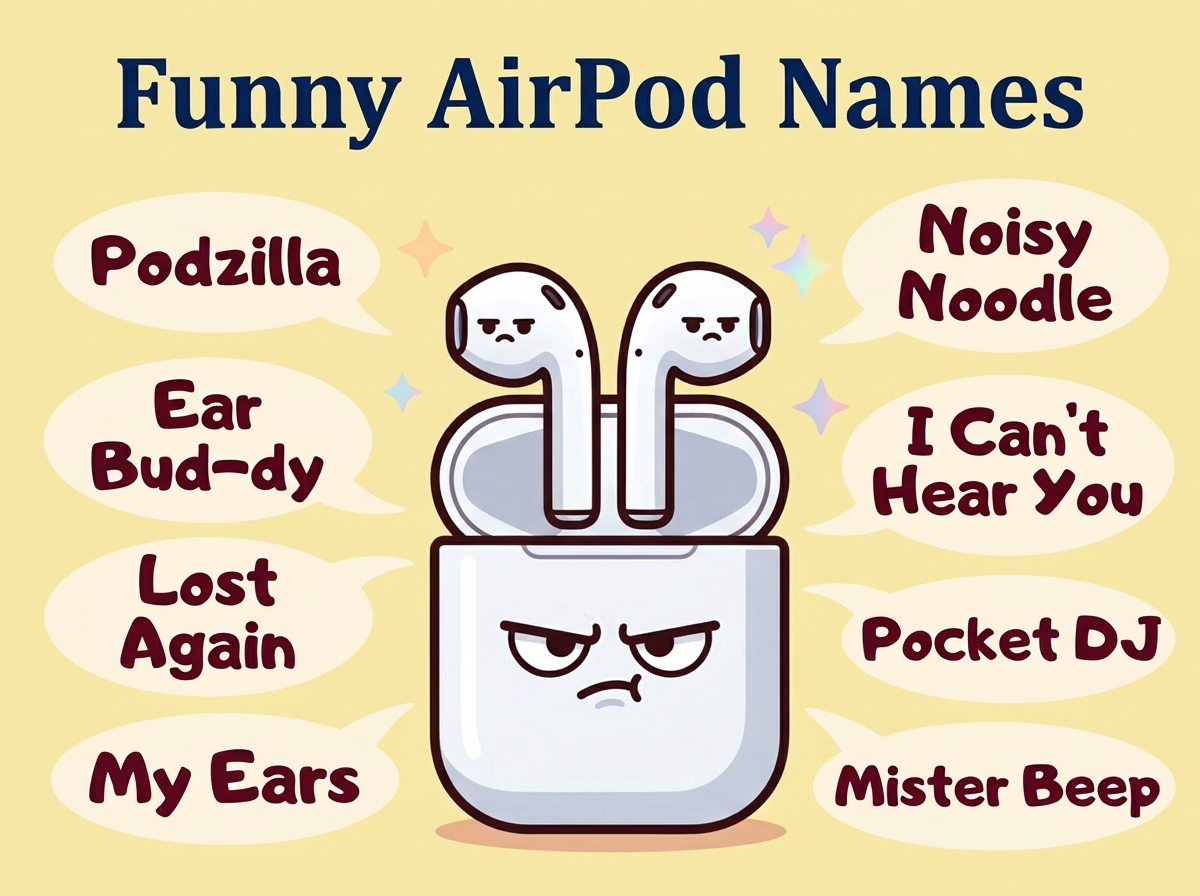
Your AirPods need a personality. Every time you open that little white case and see “AirPods” pop up on your screen, you’re wasting a perfectly good opportunity to confuse your friends, make yourself laugh, or announce something ridiculous to anyone within Bluetooth range. The default name is boring, and you’re not boring.
This collection of funny AirPod names covers everything from clever puns to pop culture references to names that will make strangers on the train do a double-take when they see what’s trying to connect nearby. Time to give those little white beans the identity they deserve.
Funny Airpod Names of All Time
These are the classics. The names that have made people snort-laugh on public transportation and screenshot their Bluetooth settings just to share with friends. If you want something tried and tested, something that lands every single time, start here. These hilarious AirPods names work whether you’re pairing with your phone, laptop, or making everyone at the coffee shop wonder who “FBI Surveillance Van 7” is.
- Not Your AirPods
- Ear Holes
- The Listening Device
- Help I’m Trapped in AirPods
- Expensive Beans
- $200 Down the Drain
- One Is Already Lost
- Probably in the Couch
- Tim Cook’s Retirement Fund
- AirBuds: Golden Receiver
- Fancy Ear Plugs
- These Cost Too Much
- Bluetooth Kidney
- The Other $200 I Can’t Find
- Overpriced Tic Tacs
- Trust Fund Earphones
- Sonic the Earbuds
- Untitled Audio Device
Pop Culture Airpod Names
Sometimes the best silly Bluetooth earbud names come straight from movies, TV shows, and the internet’s collective memory bank. These references hit different when they pop up on someone else’s available devices list. Perfect for fellow nerds, and completely baffling to everyone else. That’s the sweet spot.

- Pod Vader
- The Podalorian
- Game of Phones
- Breaking Buds
- Stranger Earbuds
- The Office Headset
- Parks and Ear Recreation
- It’s Always Sunny in My Ears
- The Pod Father
- Schitt’s Earbuds
- Arrested Audio Development
- Pod Fiction
- The Silence of the Pods
- Harry Podder
- Lord of the Earbuds
- The Walking Deaf
- Better Call Pod
- Squid Game Participant 456
Also Read: Funny WiFi Names That Will Make Your Neighbors Question Everything
Witty Airpod Names for Maximum Confusion
These witty airpod name ideas exist purely to mess with people. Whether you’re in a crowded airport, a college lecture hall, or just sitting at home hoping to confuse your family members, these names create questions nobody asked and nobody can answer. The goal here is pure chaos disguised as a Bluetooth connection.
- Definitely Not a Bomb
- FBI Surveillance Van 7
- CIA Listening Post
- Your Ex’s New AirPods
- Mom’s Tracking Device
- Witness Protection Program
- Area 51 Test Subject
- I Can Hear You
- Government Drone
- Your Data Is Mine Now
- Not the NSA
- Someone’s Listening
- I Know What You Did
- This Device Is Haunted
- Alien Communication Module
- The Voices in Your Head
- Error 404 Earbuds Not Found
- Password Is Password
Humorous Apple Earphone Names for Music Lovers
If your entire personality revolves around your playlists, your Spotify Wrapped, or loudly judging other people’s music taste, these names are for you. They announce exactly what kind of audio experience you’re having and what level of commitment you’ve made to blocking out the world with sick beats.
- DJ Ear Canal
- Bass in Your Face
- Treble Maker
- Sick Beats Dispenser
- Audio Addiction Center
- Noise Canceling My Problems
- Spotify’s Best Customer
- Taylor Swift Delivery System
- The Vibe Machine
- Professional Overthinker Soundtrack
- Podcast Black Hole
- Lo-Fi Hip Hop Study Session
- Crying in the Club Audio
- Main Character Energy Pods
- Emotional Damage Incoming
- The Doom Scroll Soundtrack
- Song Stuck in My Head Factory
Also Read: Funny Playlist Names That Will Make Anyone Who Sees Them Laugh
Short and Punchy AirPod Names
Sometimes less is more. These one-word or super short names pack all the humor into minimal characters. They’re quick, they’re clean, and they show up fast on that Bluetooth list. Perfect if you appreciate efficiency in your comedy, similar to how you might pick funny phone names that get straight to the point.
- Pods
- Beans
- Eavesdrop
- SoundHoles
- EarStuff
- AudioBois
- Hearers
- Nubs
- WhiteBeans
- ListenUp
- Budzzzz
- AudioBeans
- SoundNuggets
- Hearables
- PodPeople
- EarNubs
Names That Roast Your Own AirPods
Self-deprecating humor always lands. These names acknowledge the reality of owning AirPods: they’re expensive, easy to lose, and you probably can’t afford to replace them. Lean into the pain. Make it funny. That’s called coping, and it’s healthy.
- Already Lost One
- $250 Anxiety
- Please Don’t Fall Out
- I Can’t Afford To Lose These
- My Rent Payment
- Gone By Next Week
- Insurance Won’t Cover This
- Future Washing Machine Victim
- Couch Cushion Tribute
- The Reason I’m Broke
- Destined for the Dryer
- Last Seen: Unknown
- Missing Poster Coming Soon
- My Financial Mistake
- Goodbye Savings Account
- Pre-Lost Property
- Temporary Audio Solution
Also Read: Funny iPhone Names to Make Your Device Less Boring
Awkward Names for Public Bluetooth Lists
The true art of funny AirPod naming happens when strangers see your device trying to connect. Airports, coffee shops, waiting rooms, these are your stage. These names are specifically designed to make someone glance around nervously trying to figure out who owns them.
- I Heard That
- Stop Looking At My Devices
- Yes I’m Listening To You
- Connect At Your Own Risk
- Ask Before Pairing
- This Seat Is Taken
- Don’t Even Try
- Password Is Your Secret
- I Know Your WiFi Password
- Your Music Taste Is Showing
- Judgmental Earbuds
- Eavesdropping Intensifies
- I’m Watching You Browse
- Your Bluetooth Is Weak
- Connection Request Denied Forever
- Stop Trying To Connect
- My AirPods Are Better Than Yours
Tech Nerd AirPod Names
For those who speak fluent computer and think error messages are funny, these names combine tech humor with everyday ear accessories. They’ll get a knowing nod from fellow nerds and complete confusion from everyone else. Exactly as intended.
- Bluetooth.exe Has Stopped Working
- Kernel Panic Audio
- Stack Overflow Pods
- Git Commit Earbuds
- Null Pointer Exception
- 404 Sound Not Found
- Ctrl+Alt+Delete My Hearing
- Sudo Listen To Me
- Debugging My Life Soundtrack
- Runtime Error: No Music
- Hello World Audio
- Localhost:8080 Earbuds
- The Cloud But For Ears
- Encrypted Audio Transmission
- Open Source Ear Holes
- Legacy System Audio
- Firewall Protected Earbuds
Also Read: Funny Laptop Names for Tech Nerds and Normal People Alike
Food-Themed AirPod Names
Your AirPods are basically little snacks for your ears. They’re white, they’re small, they disappear quickly. Food names just make sense. Plus they’re universally funny because everyone loves food, and comparing expensive technology to edible items is inherently ridiculous.
- Forbidden Tic Tacs
- Ear Beans
- Audio Nuggets
- Sonic Snacks
- Sound Bites
- Hearing Noodles
- Acoustic Marshmallows
- Melody Mints
- Tune Tacos
- Bass Burritos
- Rhythm Rice
- Treble Truffles
- Beat Biscuits
- Musical Mushrooms
- Playlist Peanuts
- Volume Vanilla Beans
- Harmony Hot Dogs
Names for People Who’ve Already Lost One
If you’re reading this with only one AirPod in your ear because the other one has vanished into the void, these names are your truth. Naming what remains after loss is a healthy part of the grieving process. The surviving pod deserves recognition for its service.
- Where’s The Other One
- Solo Pod Journey
- Mono Sound System
- One Down One To Go
- Half the Set Double the Anxiety
- Survivor Pod
- The Last Remaining
- RIP Left Ear
- Currently Searching Couch
- Single and Ready to Mingle
- The Lonely One
- Waiting For Its Twin
- One AirPod Wonder
- Solo Audio Adventure
- Missing Its Better Half
- Orphan Pod
- Please Check Your Laundry
How to Use These Names
Changing your AirPod name takes about ten seconds and delivers unlimited entertainment. On iPhone, go to Settings, tap Bluetooth, find your connected AirPods, tap the little “i” next to them, and hit “Name.” Type whatever ridiculous thing you’ve chosen from this list and you’re done.
For maximum impact, pick something that matches your personality or creates confusion in public spaces. If you work in an office with shared meeting rooms, your AirPods will show up on everyone’s available devices list when they’re trying to connect to the conference room speaker. Choose wisely.
The best names are ones that make you smile every time you see them pop up on your screen. Life is short. Your group chat has a funny name, your WiFi has a funny name, and your earbuds deserve the same treatment.
Frequently Asked Questions
Q: Can other people see my AirPod name?
A: Yes, when your AirPods are in pairing mode or discoverable, nearby devices can see whatever hilarious name you’ve chosen. That’s half the fun. Choose something that performs well in public.
Q: Will changing the name affect how my AirPods work?
A: Nope. It’s purely cosmetic. Your AirPods will function exactly the same whether they’re called “AirPods” or “FBI Surveillance Van 7.” Apple doesn’t judge your comedy choices.
Q: How long can my AirPod name be?
A: Apple gives you plenty of room to work with. You can fit a decent sentence in there, though shorter names tend to display better across different devices and situations.
Q: Can I change my AirPod name from my Mac or iPad?
A: Absolutely. Connect your AirPods, go to Bluetooth settings, click the options next to your AirPods, and rename away. Works across all your Apple devices.
Q: What’s the funniest AirPod name you’ve actually seen in public?
A: “FBI Surveillance Van” remains a classic for a reason, but “Not Your AirPods” creates genuine paranoia that never gets old. The best ones are specific to the environment you’re in.
Give Your Ears the Upgrade They Deserve
Your AirPods have been sitting there with a boring default name for too long. Now you’ve got plenty of options to fix that situation, from clever wordplay to straight-up chaos for public Bluetooth lists. Pick something that makes you laugh, something that confuses strangers, or something that perfectly captures your personality.
The beauty of this is you can change it whenever you want. Rotate through a few favorites, match them to your mood, or pick one and commit forever. Either way, next time that little popup appears on your screen, it should at least make you smile. Go forth and name those expensive little ear beans.